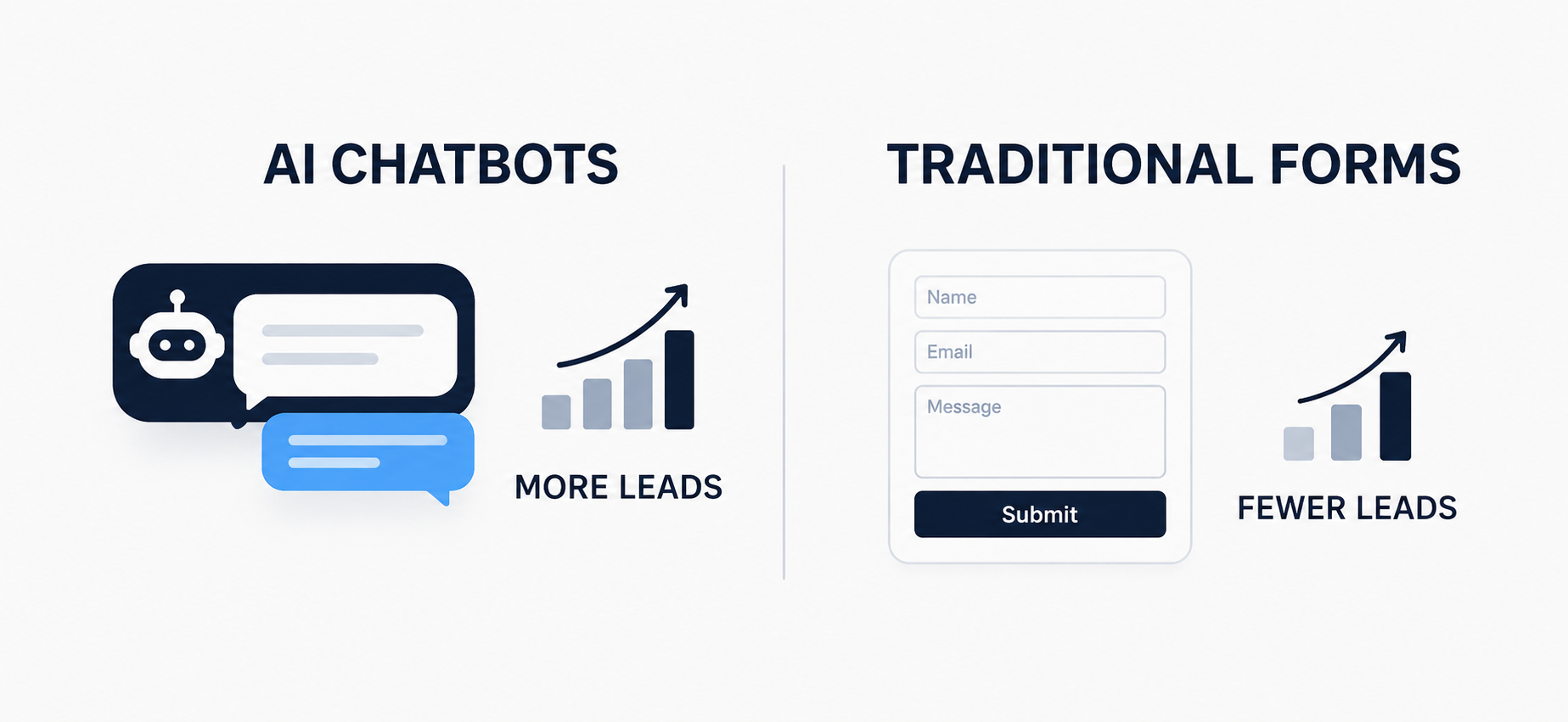
Every website owner wants the same thing. More leads without more effort. For years the contact form was the only real option. Fill in your name, email and message, then wait for a reply. Now AI chatbots are showing up on almost every website you visit. So which one actually brings in more leads for your business? Let us look at this properly, with real examples and real numbers.
The Problem With Contact Forms
A contact form only works if the visitor is willing to do all the work. They have to find the form, decide what to write, fill every field and then hit submit with no idea when someone will reply.
Think about a visitor landing on a service business website. They have a quick question about pricing. Instead of an answer they see a form asking for name, email, phone number and a message box. Most people will simply close the tab and check a competitor instead.
This is exactly why contact form conversion rates are so low across most industries. On average, only about 2 to 3 percent of website visitors actually complete a contact form. That means out of 100 people visiting your site, 97 or 98 leave without ever reaching out to you.
There is another issue too. Even when someone does fill out a form, they sometimes enter a fake email or a wrong number just to see what happens next. So the number of usable leads often ends up smaller than the raw form data suggests.
How AI Chatbots Change the Game
A chatbot does not wait for the visitor to make the first move. It starts the conversation. It asks a simple question the moment someone lands on the page or shows interest in a product.
Picture the same service business website, but this time a chat box pops up and asks, “Looking for a quote today?” The visitor types a quick reply. The chatbot asks two or three more questions, collects their name and number, and the whole thing feels like a conversation rather than paperwork.
This small shift makes a big difference. Studies on chatbot performance consistently show conversion rates of 10 to 15 percent among visitors who engage, sometimes even higher. That is three to five times better than a static form, simply because talking feels easier than filling out fields.
There is also the time factor. A form only works during the moment someone happens to be on your site, and even then it needs them to take action on their own. A chatbot is available at 2 AM on a Sunday just as easily as at 2 PM on a Monday. Since a large share of website visits happen outside normal business hours, this alone can capture leads that a form would simply miss.
A Real World Example
Imagine a real estate website. A visitor is browsing property listings late at night. They are curious about pricing for a specific project but they are not ready to call anyone. A contact form sitting quietly at the bottom of the page will not catch that moment of interest.
A chatbot can. It can ask about their budget, their preferred location and whether they want a callback. That single conversation becomes a qualified lead sitting in the sales team’s inbox by morning, instead of a visitor who left the site and never came back.
The same logic applies to online stores, clinics, consultants and almost any service based business. The moment someone shows interest is the moment you want to capture their details, not five minutes later when they have already moved on.
Take an online clothing store as another example. A shopper adds a kurta to their cart but stops before checkout because they are unsure about the size. A form is not going to help them at that moment. A chatbot can ask their usual size, suggest the right fit and keep them moving toward the purchase instead of losing them to hesitation.
Where Contact Forms Still Win
This does not mean forms are useless. Some visitors genuinely prefer typing a detailed message once and moving on, especially for complex enquiries like legal matters, B2B proposals or technical support requests that need attachments or long explanations.
Forms also work well for people who simply dislike back and forth chatting. Business buyers submitting a formal enquiry, or someone attaching a document, will often choose a form over a chat window. So forms are not dead, they just serve a different type of visitor and a different type of query.
Cost and Setup
A basic contact form costs nothing extra and takes minutes to add to any website. A chatbot needs a bit more setup, whether that is a simple rule based bot or a smarter AI powered one connected to your CRM.
That upfront effort usually pays off. Businesses using chatbots often report a noticeably lower cost per qualified lead over time, since the bot works around the clock without needing a person to reply to every message.
Which One Should You Actually Use
The smartest approach is not choosing one over the other. Keep a simple contact form for visitors who prefer it, especially on pages where people submit detailed requests. Then add a chatbot on your homepage, pricing page or product pages where visitors are most likely to have quick questions.
This combination catches leads at every stage. The chatbot grabs the visitor who is browsing and curious. The form catches the visitor who already knows exactly what they want to say. Together they cover far more ground than either one alone.
Final Thoughts
If you are only measuring pure lead volume, AI chatbots win by a clear margin. They respond instantly, feel more personal and capture interest the moment it happens. But traditional contact forms still have a place for visitors who prefer a simple, no chat experience.
The businesses generating the most leads in 2026 are not the ones picking a side. They are the ones using both tools together, matching the right option to the right visitor at the right moment on their website.