Category: Wordpress Development

  • How to Structure URLs and Categories for SEO in WordPress

    How to Structure URLs and Categories for SEO in WordPress

    Introduction

    A clear URL and category structure helps both users and search engines understand your website. If your structure is messy, Google gets confused and your rankings suffer. Many beginners ignore this and later face indexing and ranking issues. A clean structure improves crawlability, user experience, and overall SEO performance.

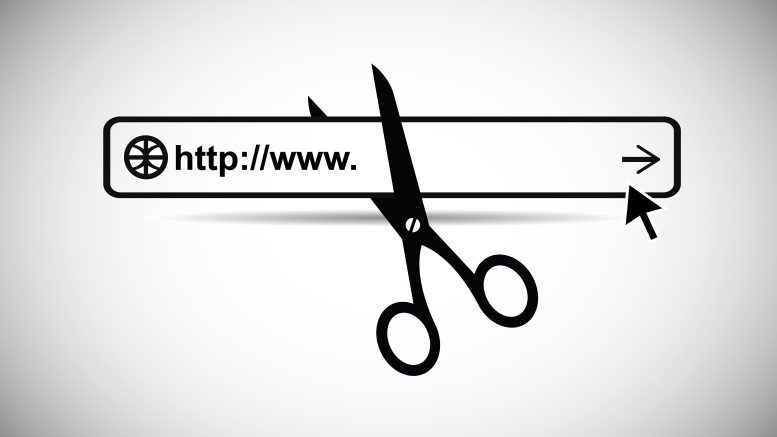
    A URL is not just a link. It gives information about the page.

    Good URLs help:
    Clear understanding of content
    Better click through rate
    Easy sharing and readability

    Bad URLs look like this:
    example.com/p123?id=45

    Good URLs look like this:
    example.com/seo-tips-for-beginners

    Simple rule: keep URLs short, readable, and meaningful.

    Best URL Structure in WordPress

    In WordPress, you can control URLs using permalinks.

    Go to Settings → Permalinks and select:
    Post name

    This creates clean URLs like:
    example.com/your-post-title

    Avoid using:
    Dates
    Numbers
    Random characters

    Because they make URLs long and confusing.

    Use Keywords in URLs

    Your URL should include your main keyword.

    Example:
    If your topic is WordPress SEO tips
    Use: example.com/wordpress-seo-tips

    Do not stuff keywords. Keep it natural and simple.

    Keep URLs Short and Clean

    Long URLs reduce readability.

    Bad example:
    example.com/how-to-learn-seo-in-2026-with-complete-guide-for-beginners

    Better example:
    example.com/learn-seo

    Short URLs are easier to remember and perform better.

    Understanding Categories in WordPress

    Categories help organize your content. They also create a structure for your website.

    Example structure:
    Home → SEO → On Page SEO

    Each category should represent a main topic.

    Do not create too many categories. Keep them limited and focused.

    How to Create SEO Friendly Categories

    Use clear and simple names
    Use keywords where relevant
    Avoid duplicate or similar categories

    Bad example:
    SEO tips
    SEO guide
    SEO tricks

    This creates confusion.

    Better example:
    SEO
    Content Marketing
    WordPress

    Each category should have a clear purpose.

    Use Category in URL or Not

    WordPress allows URLs like:
    example.com/category/post-name

    or
    example.com/post-name

    For beginners, it is better to use:
    example.com/post-name

    It is cleaner and avoids unnecessary length.

    Use categories mainly for structure, not for URL complexity.

    Avoid Duplicate Content Issues

    WordPress can create duplicate pages through:
    Categories
    Tags
    Archives

    This confuses search engines.

    Solution:
    Do not overuse tags
    Use canonical URLs
    Focus on one main version of a page

    Internal Linking with Categories

    Categories help in internal linking.

    Link related posts within the same category.
    This improves navigation and helps search engines crawl your site better.

    Example:
    If you write about SEO, link all SEO articles together.

    Common Mistakes to Avoid

    Changing URL after publishing without redirect
    Using too many categories
    Creating long and messy URLs
    Using dates in URLs
    Ignoring keyword relevance

    These mistakes harm SEO.

    Conclusion

    A strong URL and category structure is the base of good SEO. Keep everything simple, clear, and organized. Do not overcomplicate. Focus on user understanding and search engine clarity. If your structure is clean, your website becomes easier to crawl, index, and rank.
  • WordPress Theme vs Custom Design: What Should You Choose?

    WordPress Theme vs Custom Design: What Should You Choose?

    [et_pb_section fb_built=”1″ admin_label=”section” _builder_version=”4.27.5″ background_color=”#000000″ width=”100%” global_colors_info=”{}” theme_builder_area=”post_content”][et_pb_row admin_label=”row” _builder_version=”4.27.5″ background_enable_color=”off” background_size=”initial” background_position=”top_left” background_repeat=”repeat” width=”90%” global_colors_info=”{}” theme_builder_area=”post_content”][et_pb_column type=”4_4″ _builder_version=”4.16″ custom_padding=”|||” global_colors_info=”{}” custom_padding__hover=”|||” theme_builder_area=”post_content”][et_pb_text admin_label=”Text” _builder_version=”4.16″ background_size=”initial” background_position=”top_left” background_repeat=”repeat” global_colors_info=”{}” theme_builder_area=”post_content”]

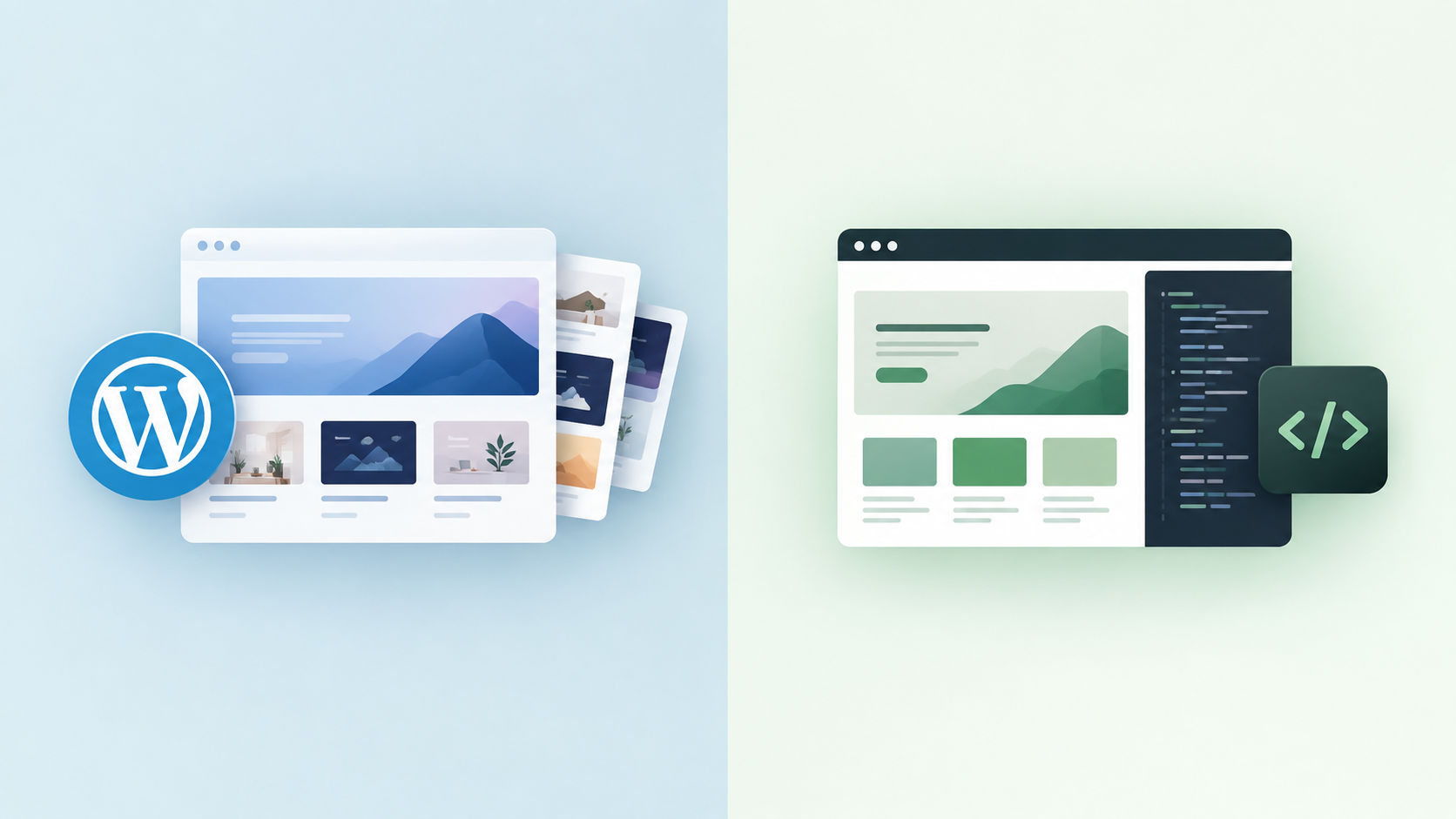
    When building a WordPress website, one of the biggest decisions you’ll face is whether to use a pre-built theme or invest in a custom design. Both options can create a professional website, but they serve different needs. The right choice depends on your goals, budget, and how much flexibility you want in the future.

    What Is a WordPress Theme?

    A WordPress theme is a ready-made design template that controls how your website looks and feels. Thousands of free and premium themes are available, and many of them can be installed in just a few clicks.Themes are ideal for beginners and small businesses because they are fast to set up and cost-effective. Most modern themes come with built-in customization options, page builders, and demo layouts. This allows you to launch a website quickly without needing advanced technical skills.

    However, themes also have limitations. Since they are built for a wide audience, they may include features you don’t need, which can slow down your website. Customization is possible, but you are still working within the theme’s structure. If you want a highly unique design or advanced functionality, a theme might feel restrictive.

    What Is Custom WordPress Design?

    Custom WordPress design involves building a website specifically for your brand and requirements. Instead of adapting to a pre-built template, developers create layouts, features, and functions from scratch.The biggest advantage of custom design is flexibility. You can design every element to match your brand identity and user experience goals. Custom websites are often cleaner, faster, and more scalable because they include only the features you actually need.

    The downside is cost and time. Custom design requires more planning, development work, and technical expertise. It is usually more expensive than using a pre-built theme and takes longer to launch.

    Key Differences to Consider

    The main differences between themes and custom design come down to speed, cost, and control.If you need a website quickly and have a limited budget, a quality WordPress theme is a practical solution. It allows you to get online fast and start building your presence.If your website is a long-term investment and plays a critical role in your business, custom design offers greater control and performance. It is especially useful for businesses that need unique features or want a strong brand identity.

    Which Option Is Right for You?
    There is no universal answer. For personal blogs, small businesses, and startups, a well-optimized theme is often more than enough. It provides a professional look without heavy development costs.For larger businesses or brands that require advanced customization and scalability, custom design is usually the better choice. It gives you full ownership of your website’s structure and future growth.


    Conclusion

    Choosing between a WordPress theme and custom design is about balancing convenience and control. Themes are fast, affordable, and beginner-friendly, while custom design offers flexibility and long-term performance. By understanding your goals and resources, you can select the option that supports your website’s success.

    [/et_pb_text][/et_pb_column][/et_pb_row][/et_pb_section]